

With such a rainy spring, it’s a great time to go over rain sensor maintenance, troubleshooting, settings, and more! All sprinkler systems installed in Texas require a rain sensor to prevent water waste, but oftentimes they aren’t working. Follow these steps to ensure yours is in working order. Don’t have a rain sensor or need a new one? No worries! Our Smart Irrigation Rebate can help with the cost!
What is a Rain Sensor?
A rain sensor is a device connected to a sprinkler system controller that helps prevent the programmed cycle from running during or after a rain event, which saves potable water and money! Rain sensors also prevent landscaping issues such as standing water and oversaturation caused by watering during or too soon after rain.
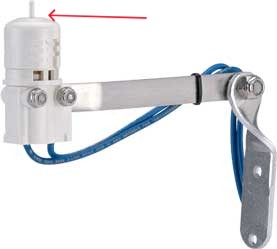
How Sensors Work
When the sensor gets wet, the internal cork discs absorb water and expand, temporarily interrupting the signal that opens the sprinkler valves (you may see a red light or umbrella icon on the controller display). Once the discs dry and shrink back to normal size, the controller resumes its regular watering schedule.
How to Check if it Works
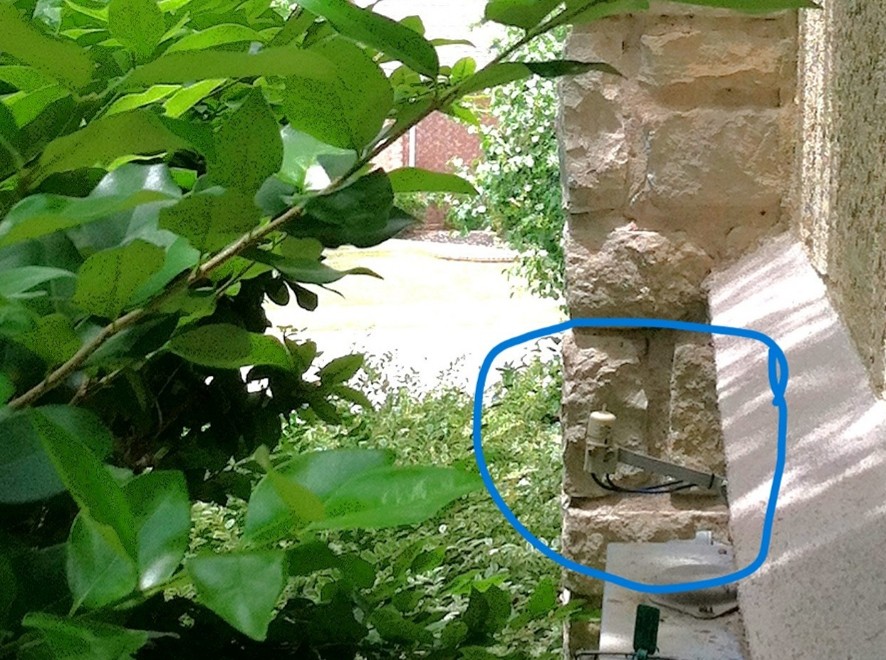
- Locate the rain sensor, typically mounted on a fence or roof eave, so you may need a ladder.
- Turn on a sprinkler zone that is visible from the sensor.
- Press and hold the spindle on top of the sensor (it should feel spring-loaded.)
- The irrigation system should shut off while the spindle is pressed and resume when released. (Some valves may take up to 30 seconds to respond.) If pushing the spindle down does nothing to stop the irrigation system, your sensor is not working properly.
Troubleshooting
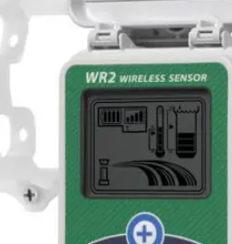
- Battery check- wireless rain sensors come with a battery that needs to be changed every 3-5 years. Usually, the transmitter mounted next to the sprinkler controller will tell you how much life is left in your battery.
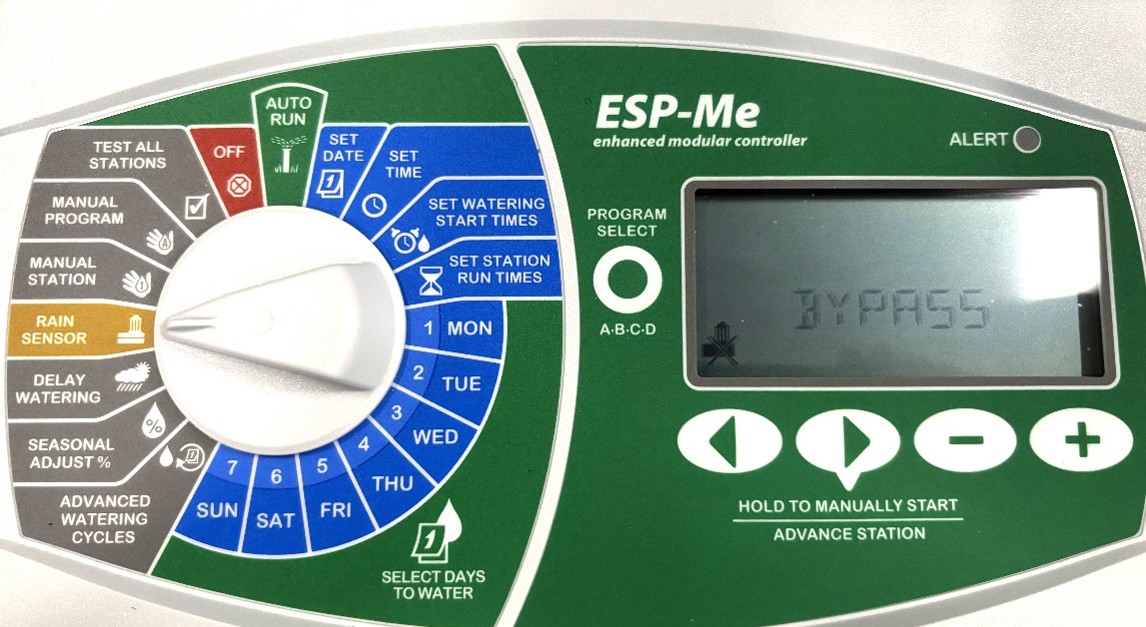
- Bypass mode- most sprinkler controllers have a switch to bypass the rain sensor. Be sure that this switch is turned on to “active.”
- Poor location- Rain sensors should be unobstructed to work properly. If they are blocked by trees, walls, or under the roof, this could prevent them from receiving any rain inside the sensor.
- Sensor settings- The settings on the rain sensor will determine when to run the scheduled program, depending on how much rain was received in inches. There are usually four options: 1/8 inch, ¼ inch, ½ inch, and ¾ inch for one type of sensor.
Other Water Saving Technology:
- Rain/Freeze sensors: These do not allow an irrigation system to turn on when temperatures reach a specific degree, usually around 40° F. This can help prevent freeze damage on pipes and plants.
- Soil moisture sensors: They take moisture readings from the soil to determine if the soil is dry enough to require the irrigation to run. These are the most accurate of sensors to determine if water is needed or not.
- Weather-based controllers: These connect to a nearby weather station and can adjust the settings automatically based on the weather and season. You can also connect most of these to an app on your phone.